Check it works
Once you’ve forwarded your practice line, let Terva prove it. Terva rings your practice number and waits for the call to come through to your Terva number. It takes about 30 seconds.
Not working? See what to doStart the check
Forward your line first: the steps are on Phone line, and in Forward your calls to Terva for every phone system. Turn off voicemail or message bank on that line too, or it answers before Terva.
Then press Check it works on Phone line, under the forwarding steps. Only the practice owner can run a check.
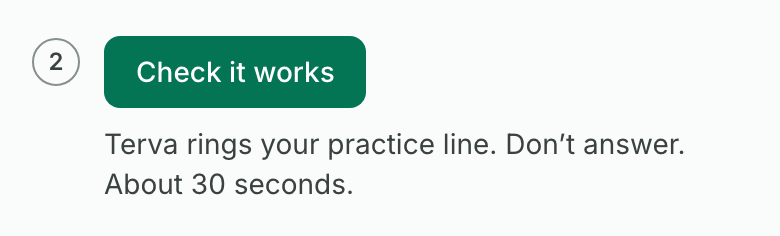
Let it ring. Don’t answer
Terva calls your practice number and lets it ring for up to a minute. Let your phones ring, and don’t decline the call. Forwarding only starts when nobody answers.
If someone picks up by mistake, they hear “This is Terva checking your call forwarding. You can hang up.”
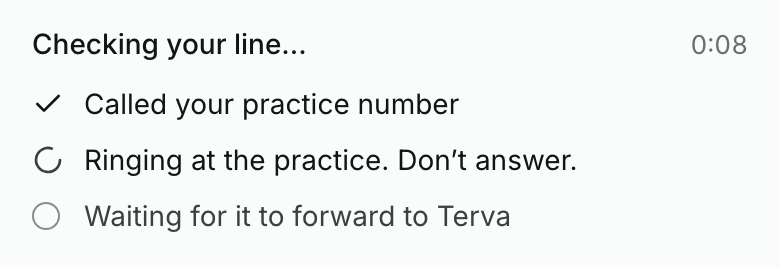
See it pass
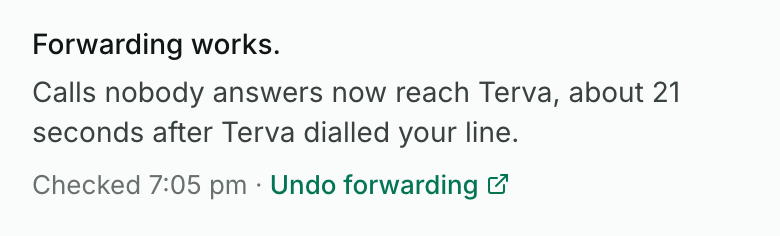
When the call comes through, you’ll see Forwarding works and how many seconds the call took to reach Terva.
Some phone systems show their own number on forwarded calls. If yours does, the result says patients’ numbers will show as your practice number. Whoever looks after your phones, or your IT provider, can turn on caller ID pass-through.
The check isn’t a patient call. Terva ends it as soon as it arrives, so it uses none of your live minutes.
If it fails, fix it and check again
A failed check says what happened and the one thing to fix. Fix it, then press Check again.
Each result and its fix is below. You can run 3 checks an hour.
What you’ll see when it works
- The check says Forwarding works.
- Phone line shows Forwarding works and when it was checked.
- After your first forwarded patient call, it also shows when the last one came in.
If it doesn’t
- Your phone rang out without forwarding
- The forwarding code didn’t take, or it went on a different line. Dial it again from a practice phone, then check again. If someone else looks after your phones, ask them to check the change.
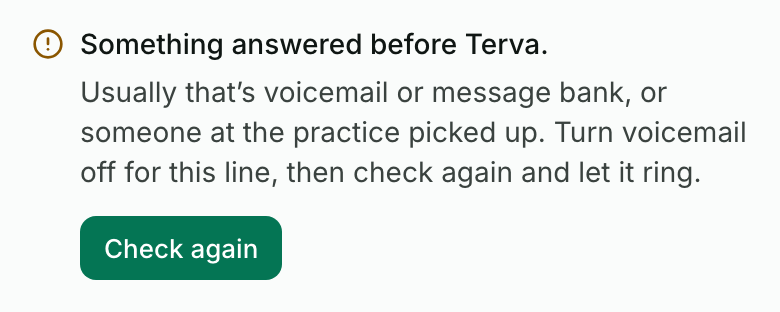
- Something answered before Terva
- Usually voicemail or message bank, or someone at the practice picked up. Turn voicemail off for this line (your phone system’s guide in Forward your calls to Terva shows how), then check again and let it ring.
- Your line was busy, or the call was declined
- Check again, and let it ring without answering or declining it.
- We couldn’t call your practice number
- The practice number may be wrong. Press Edit the practice number, fix it on Practice, then check again.
- The check didn’t finish
- Terva didn’t hear back within 3 minutes. Check again.
- You’ve run 3 checks in the last hour
- Wait an hour, then check again. Or book a set-up call and we’ll do it with you.
- After hours, voicemail answers instead of Terva
- A night message or after-hours voicemail can answer first. Turn it off, then after closing, ring your practice number from another phone and let it ring.
Stuck on a step?
Book a set-up call and we’ll go through it with you.